Install

Your first contact is a local command

No demo gate and no inquiry form. Install the skill in your agent environment, review the runtime output, configure approved connectors, and test a narrow sample brief.

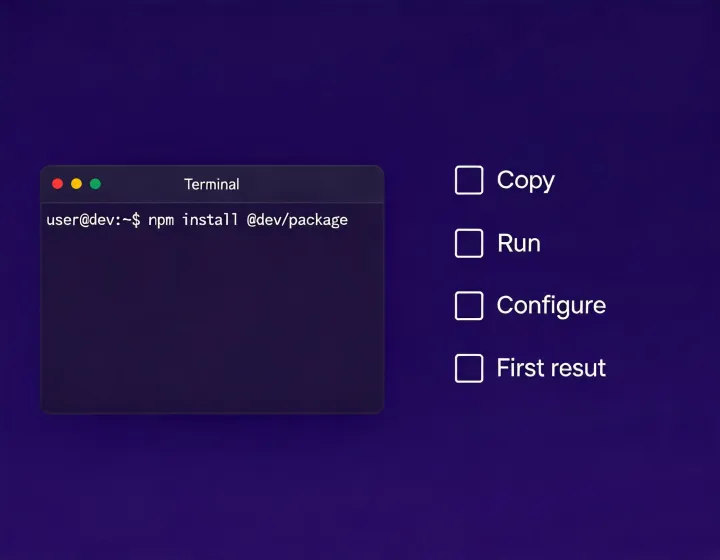
Local agent installation terminal

Before you run

Three things to have ready

01

Supported environment

An AI agent runtime with terminal access and a Node.js package runner capable of invoking npx.

Confirm that the runtime shows package output and lets you inspect installed skill files. If execution details are hidden, pause and review its package policy.

02

Credential plan

A secure secret store for any optional data connectors; never paste an API key into the agent prompt.

Start without production write permissions. Add read access only for a declared research task, then test credential expiry and revocation.

03

Sample brief

A narrow ICP, explicit exclusions, required output fields, and a human owner for the first review.

Use synthetic or approved sample records first. Ask for fit reasoning and source context, then verify the output before any messaging.

What happens after copy

The clipboard action copies the command exactly as displayed, without a dollar sign or hidden prompt characters. Pasting it into a terminal still leaves you in control of execution. Read the package notice, confirm the selected runtime, and inspect any access request.

After installation, configure connectors one at a time. Keep secrets outside the conversation, and use least-privilege credentials where the provider supports them. A successful connection proves that authentication worked; it does not establish data accuracy, permitted use, or message compliance.

For the first task, define firmographic boundaries, technographic signals, buyer roles, exclusions, and a compact output schema. Review source dates, ambiguous matches, and inferred intent. Approve outreach only after checking relevance, SPF, DKIM, DMARC, regional requirements, and opt-out status.
Copy the exact command

The button copies only the command. It does not install anything until you paste and run it in your terminal.

npx -y @okki-global/okki-go-taroball